Do I need to install anything on my Mac?
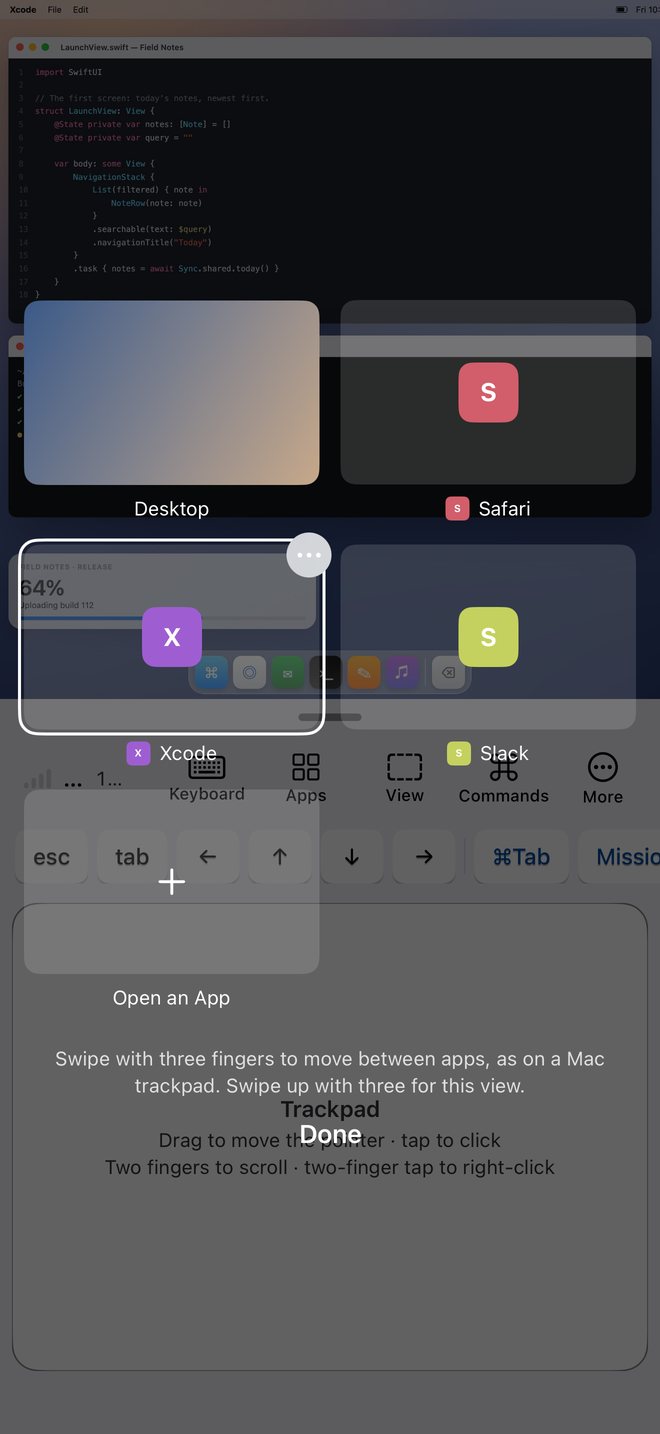
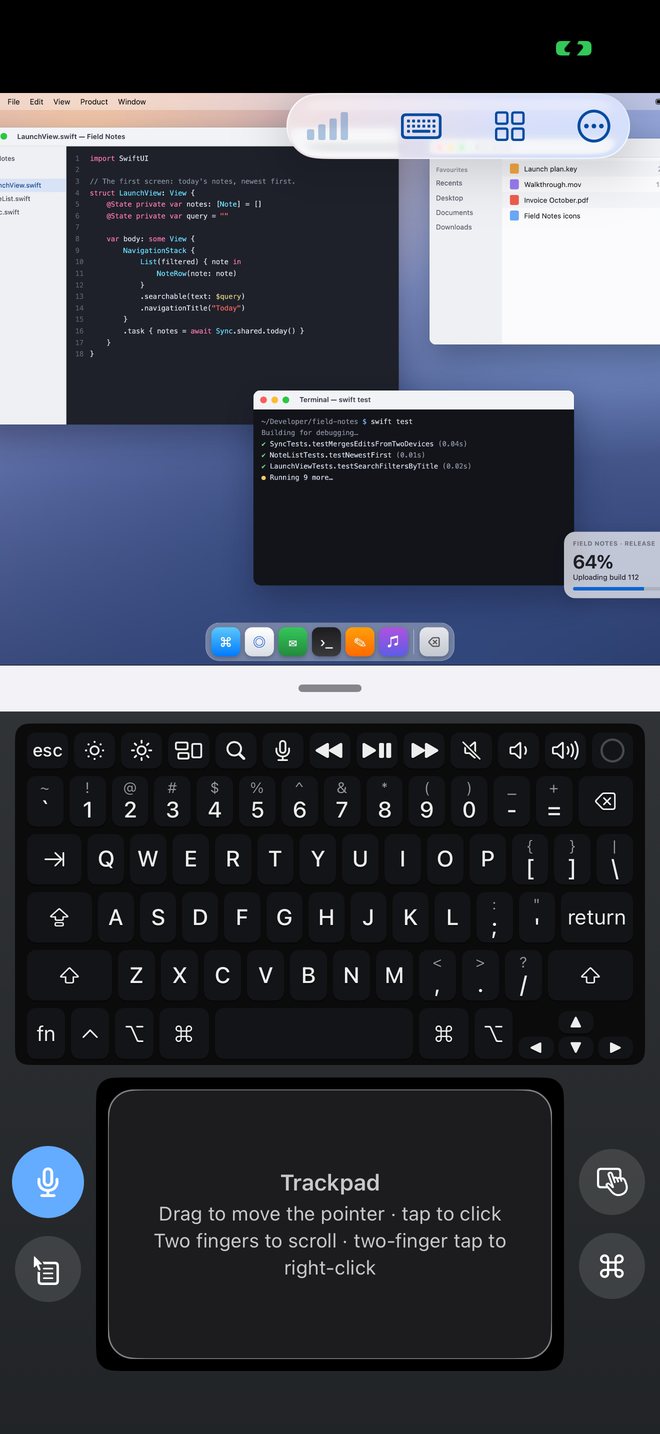
No. Fullframe connects to the Screen Sharing service already built into macOS. Turn on Screen Sharing in System Settings and sign in with your Mac user account. The Fullframe for Mac menu-bar app is optional and adds the app launcher and Touch Bar.
Which Macs support High Performance mode?
Apple's High Performance mode requires an Apple silicon Mac running macOS 14 Sonoma or later. For Intel Macs, older macOS releases, or constrained network connections, Fullframe includes Standard mode.
How do I connect when I am away from home or the office?
Link Fullframe with Tailscale. Once connected to your tailnet, Fullframe discovers your Tailscale Macs automatically and connects directly over your encrypted Tailscale network without port forwarding or a relay account.
Can people near my Mac see what I am doing?
During a High Performance session, your Mac's physical display is blanked so passers-by cannot watch your work. You can also set Fullframe to lock your Mac automatically whenever you disconnect.
Can I restart a FileVault-encrypted Mac remotely?
Yes, on Apple silicon Macs running macOS 26 or later with Remote Login enabled. Fullframe can unlock FileVault after a reboot so macOS finishes starting up and Screen Sharing comes back online.
Can I test Fullframe before setting up my Mac?
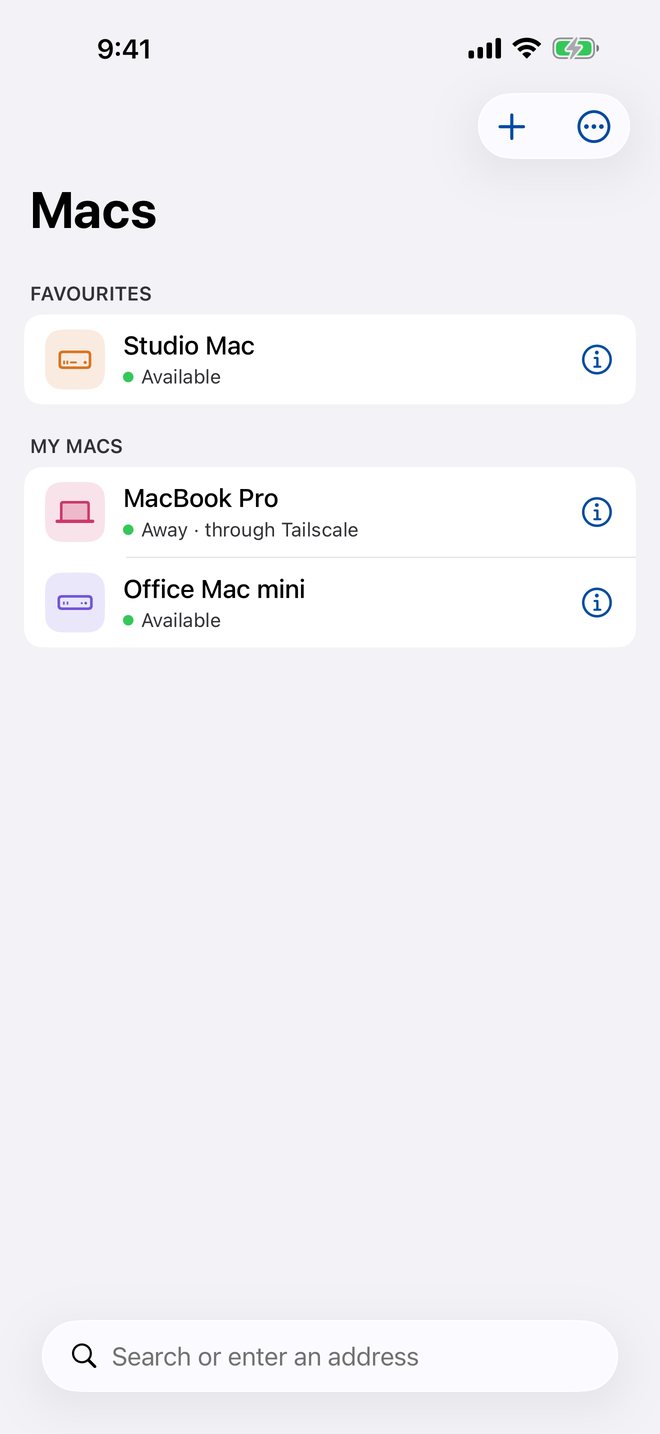
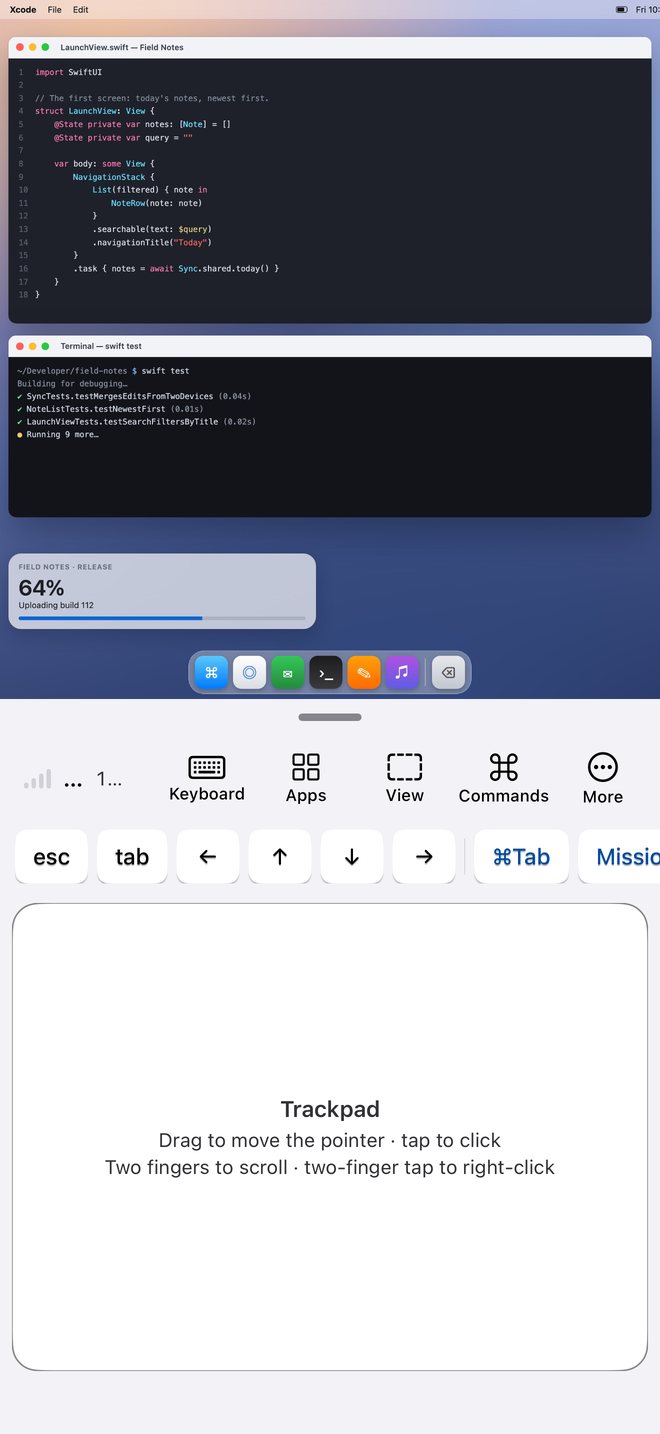
Yes. On the Macs screen, open the More menu and choose Try a Demo to open an interactive demo session and explore touch gestures, the keyboard layout and iPhone Duo poses straight away.
 Fullframe